Tag: scam

  • CommBank Phishing Scam

    I have been an advocate of ensuring you know what you are doing, and double check everything before acting upon, so you don’t fall foul of phishing scams.

    I can’t be more amendment on the fact, as you don’t know who is out their trying to get your hard earn cash.

    Back Story

    Earlier this week, I was phoned by a call centre claiming to be from the Australian Tax Office (ATO) with a recorded message saying that I had outstanding debts and was also implicated in Tax Fraud, and that there was a warrant out for my arrest.  I knew this was a scam, as I have been targeted 4 time before, as well as another family member.

    Anyway, I wasn’t going to let this go unanswered, so I rang the number back, strung them along for a little while, then mentioned I worked for the Australian Federal Police (which of course I don’t).  This is where the abuse started – they realised they had been caught out, and let lose with all asunder with foul language that I won’t even repeat.  For the next 3 hours, I repeatedly redialled the number, and just left the line opened until they hung up.  Occasionally, I would engage them, by saying I am returning a call – and when they asked for my name, giving them a fictitious name – which threw them in a loop as it wasn’t the name they had against my service number (they’ve obviously scraped the details from somewhere).

    Finally, they got that sick of me, that they actually blocked my number.

    The reason I did this, is depending on where they are located, is while I had them on the line – it was one less person they were talking too, and if they were overseas, it was costing them money in the local to international call costs.  It wasn’t costing me any more, as my phone plan has unlimited mobile to national landlines at no extra cost.

    The Story

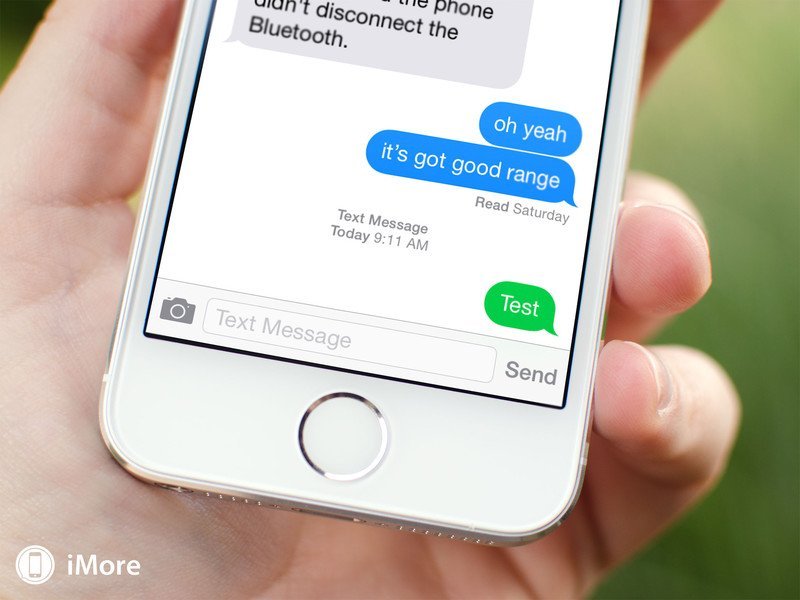
    Well, I fell victim of a phishing scam.  Yes, even the best of us do things without thinking.  I got an SMS on my mobile (smartphone) with a link to a website.  I naturally didn’t think twice, as I thought it was from the bank and followed through.

    The basis of the SMS was that the Commonwealth Bank was testing their SMS and needed me to do some checks, which included me giving them my mobile then a special code.  The first clue should have been, they were asking for my mobile number – but it didn’t click.  Did what they asked, and didn’t think twice about it.  Yep – was busy, and didn’t really think.

    Anyway – what I had done was give someone enough information to try and do a card less transaction at an ATM.    Anyway, I guess they tried to withdraw more than the account had, and Commonwealth Bank put a stop on my account, sent me an email, which meant I needed to go to the nearest branch and deal with it,

    What it means:-

    • They will need to close the account.
    • Create a temporary account.
    • I submitted a Statutory Declaration saying someone tried accessing my account without my express permission (i.e. phishing scam).
    • CommBank open a new account.
    • New Cards (possibly).
    • And any direct debits / scheduled transactions need to be changed.

    In short, with financial institutions especially, if you get an SMS with a link to a web page to test things, before you do it check with them.  They usually have this sorted before going live.  Even the best of us, can slip up.

  • Computer Security Precautions

    On a sunny Friday afternoon, I had a frantic phone call from a client. They had a phone call from a person claiming to be from their phone and internet carrier, claiming that their method of connecting to the internet would be out of service for several weeks and that they needed to show them how to get around the outage.

    Sounds plausible, right?  Without thinking too hard about it, you might say sure, what do I need to do.  The caller instructed my client to go to a website, and download TeamViewer (a tool that several support staff use to connect to a computer remotely); the company that developed TeamViewer is reputable and had no connection with the caller, and install the software.

    The installation of the software was configured in such a way, that gave the caller unattended access to my client’s computer.  Now the caller had complete access to my client’s computer, and started opening various applications while trying to gather other personal information over the phone, like which bank they dealt with and how much money they had in the account.

    In short, this was a definite case of someone wanting control of the computer to gather information about my client, get banking details, and to even possibly install ransom-ware (software that is installed on the victim’s computer or digital device, encrypts, and holds the data hostage until a ransom is paid).

    In short, the telecommunication/internet providers in Australia (unless it is an unplanned outage) notify users via letter, email or text message of an impending outage and advised them of a number to call if they have any concerns.

    My role in this situation was to uninstall the version of TeamViewer, restore the computer to an earlier point, check for any other software that may have been installed and remove, then run a virus checker over the computer to ensure any software signatures that the virus checker knew of as being a threat was removed.  I also installed a backup utility from CrashPlan which will backup data files to a remote site (or data centre) to protect your music, photos and other documents you might have. This way, if something goes wrong with your computer, such as hardware failure (yes – I have had a motherboard and hard disk drive fail and lost data) or virus infection or ransom-ware, you can recover most of your data prior to the issue. The reason I say most, is in the case of CrashPlan, it will only be able backup remotely while connected to the internet.

    My advice to anyone going forward, report this incident to the police fraud squad, contact his phone and internet carrier and the bank (if you have given details) to advise of the possible breach in security and organise measures to be put in place to prevent any further loss.

    Going forward, if you get a phone call in future from anyone claiming to be from their internet provider, to get some sort of authentication from them – that is, get them to give you some sort of details about the account that they would have in front of them (i.e. account number) if they were from the provider.  If they can’t do that, get a name from the person and a phone number and then tell them you’ll call back.

    Then contact the provider’s support number, which will be on their website, and any bills they send for providing the service, explain that you had a call from person x and they were walking you through a process to do something, and could they transfer you through to them. If the provider cannot find such a person in their system, or the process that they were going to walk you through isn’t something that they know about or do, then all you have lost is the cost of a phone call, and a little time in protecting yourself.